




James Harding
09/05/2026
How to Lock Home EV Charger Access
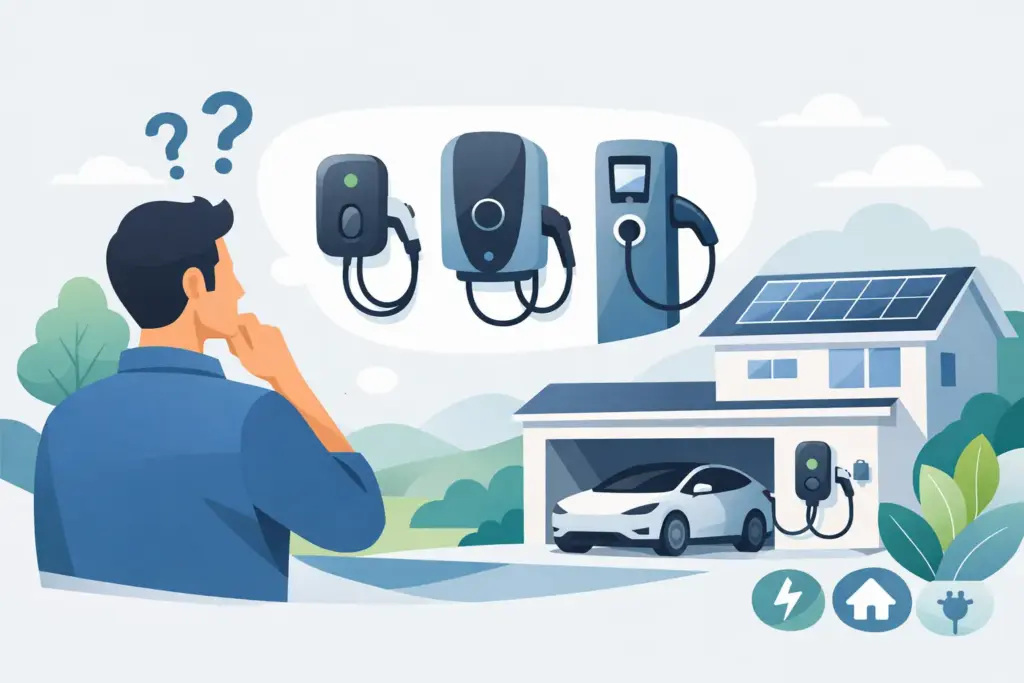
If your charger is on a driveway, front wall or shared parking area, security stops being a nice extra and becomes part of the specification. Many homeowners ask how to lock home EV charger access once the unit is installed, especially if neighbours, passers-by or tenants could reach the socket or tethered lead.
The right answer depends on the charger type, where it is mounted and who needs access. Some chargers can be locked in software, some need RFID or app controls, and some benefit from a physical cable or enclosure approach. For installers, it is also worth separating charger access control from wider electrical isolation and tamper protection, because they are not the same job.
How to lock home EV charger access properly
The first step is to identify what exactly you are trying to lock. In practice, that usually means one of three things: stopping unauthorised charging sessions, preventing removal or use of the cable, or reducing interference with the charger itself. Each calls for a slightly different solution.
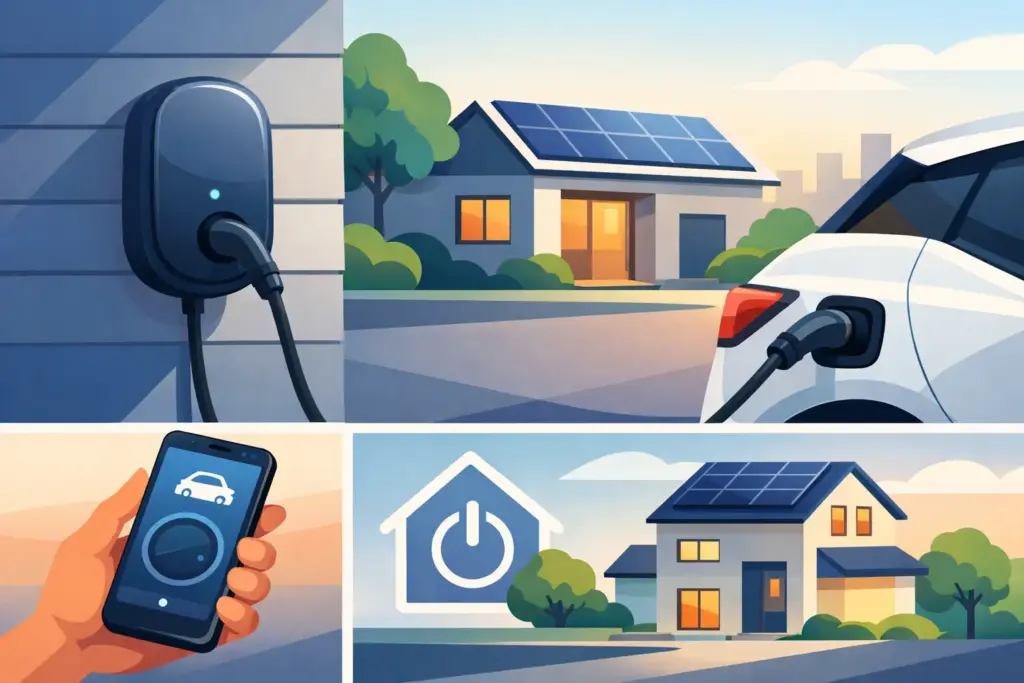
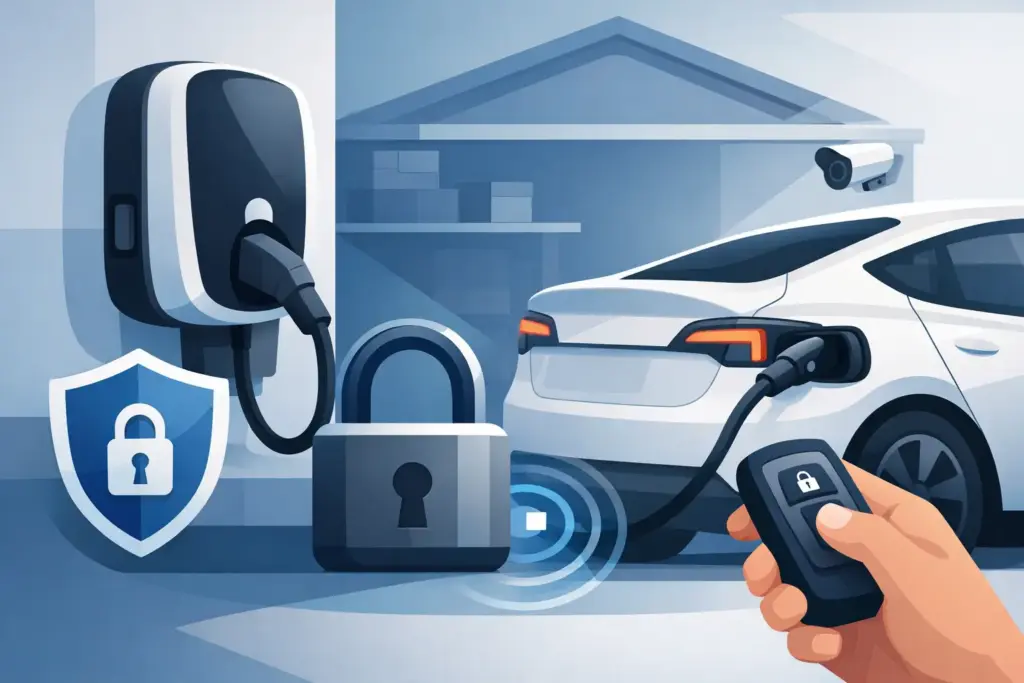
If you have a smart charger, the simplest method is often built into the product. Many modern home units from brands such as Ohme, Hypervolt, myenergi, Zaptec and Andersen include app-based access controls, scheduled charging permissions or user authentication. In that case, the charger can remain physically accessible while only approved users can start a session.
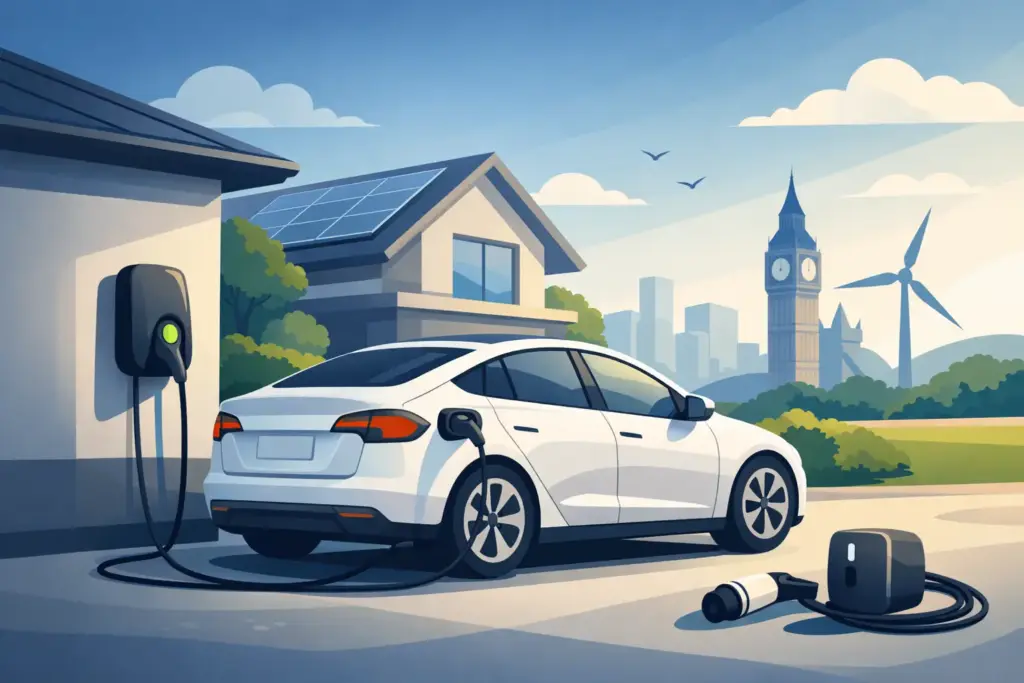
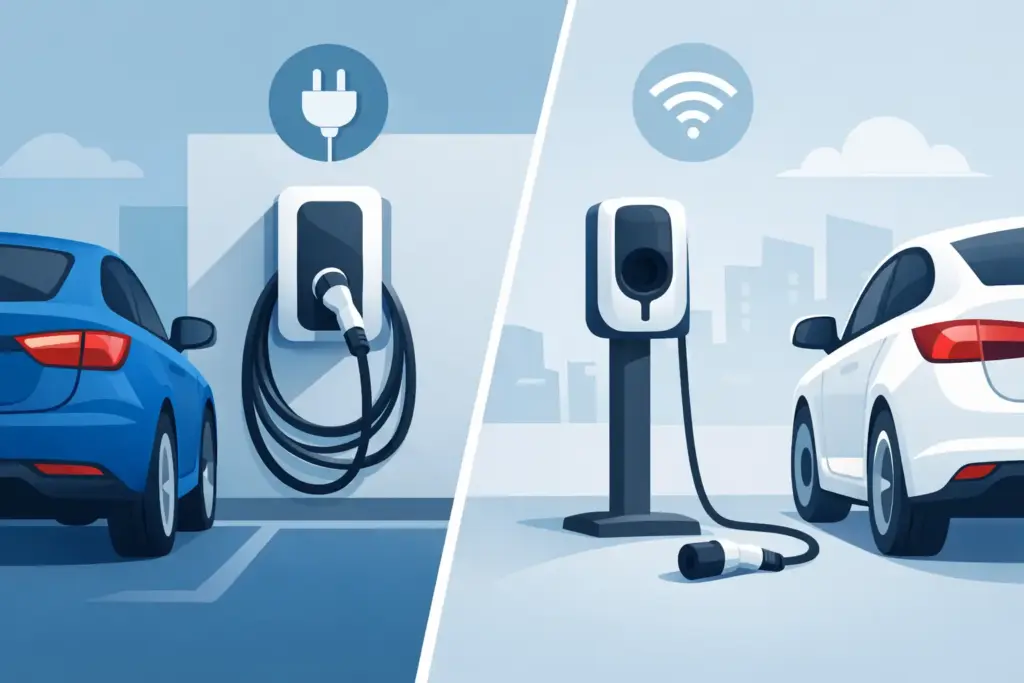
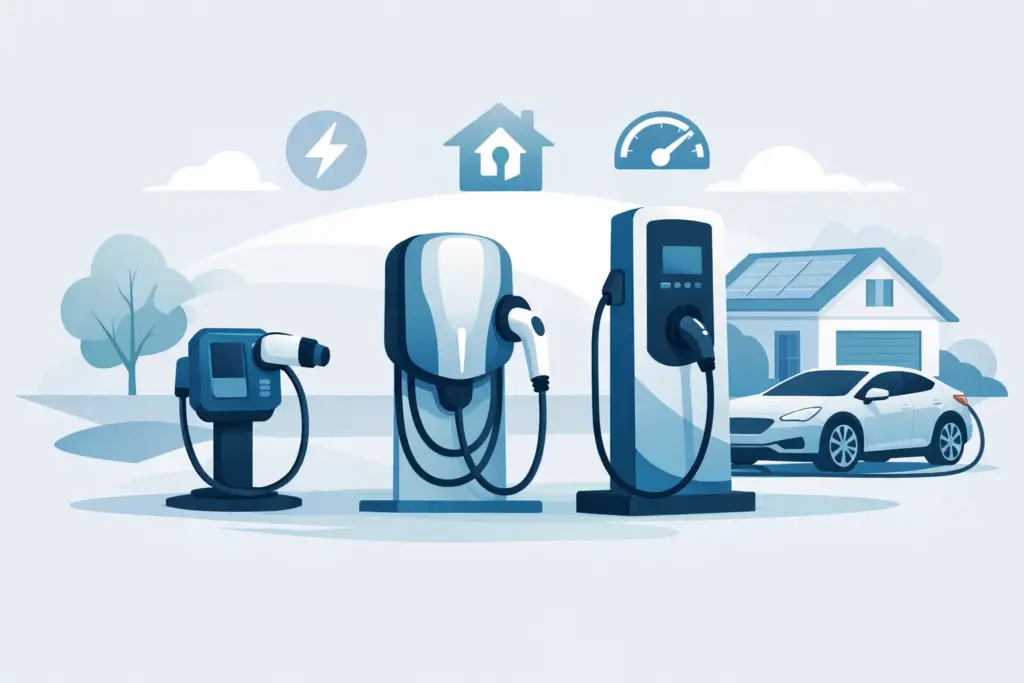
If your unit uses a socket rather than a tethered cable, the socket format matters as well. A socketed charger can be more secure in one sense because the charging cable is not left outside when not in use. A tethered charger is more convenient for daily use, but if the cable remains exposed on a driveway or wall, you may want an additional method to secure or tidy it when parked.
App lock, RFID or physical lock?
For most domestic setups, software control is the cleanest option. If the charger supports user permissions through a mobile app, you can usually stop unauthorised charging without adding extra hardware. This works well for private driveways where the main concern is someone plugging in without permission rather than physically stealing the unit. The trade-off is obvious: if app setup is poor, if more than one household member needs access, or if connectivity is unreliable, convenience can suffer.
RFID control is often the better fit where multiple authorised users need simple access. Tapping a card or fob is straightforward, and it avoids handing round app logins. It is also useful where a charger is installed at a flat conversion, holiday let, annex or small business premises. The drawback is that cards can be misplaced, and not every home charger includes RFID as standard.
A physical lock has a different role. It does not normally control the charger electronics unless designed as part of the charger system, but it can secure a cable, cover the socket, or make casual interference less likely. Physical measures are worth considering when the charger is highly visible from the street or installed in a communal area.
Using built-in charger settings
Before buying extra security products, check the charger’s own settings. A surprising number of owners never enable access control after commissioning. Depending on the model, you may be able to require app approval, schedule charging only for certain times, disable plug-and-charge behaviour, or set user permissions.
This is usually the best starting point because it keeps the installation tidy and does not interfere with normal operation. It also avoids improvised locking methods that can obstruct connectors or create strain on the cable.
For installers handing over a new unit, charger lock settings should be part of the final demonstration, not an afterthought. A customer who understands how to restrict access from day one is less likely to call back later asking why someone else managed to use the charger.
Locking a socketed charger
If your home charger has a socket outlet, access control is often easier. With no cable attached, there is nothing for a third party to use unless they bring their own lead. In that case, app lock or RFID usually provides enough protection.
Some units also include a locking socket arrangement during a live charging session, which prevents the cable being removed mid-charge. That is useful for both security and operational safety, but it should not be confused with a general lock when the charger is idle. If idle access is the concern, software permissions remain the main control.
Securing a tethered charger
With a tethered charger, cable management becomes part of security. If the lead is left hanging loose, it is easier to tamper with, dirtier over time, and more obvious from the road. A basic holster, hook or dock helps, but it is mostly a storage solution rather than a true lock.
Some tethered systems hold the connector more securely than others. A few charger designs make casual removal or misuse less likely simply because the cable stores neatly against the unit and the charger requires authorisation before power is delivered. Where the site is exposed, a lockable cable tidy or protected mounting position can add another layer.
Physical ways to make a charger harder to misuse
A charger on the side of a house is not usually a high-theft item in the same way as a portable cable, but visibility still matters. If you are planning a new installation, positioning can do a lot of the work. A charger mounted behind a gate, deeper on a driveway or away from the pavement edge is less inviting than one fixed at the front boundary wall.
If relocation is not practical, consider whether the cable can be stored out of immediate sight, whether the parking position leaves enough slack without the lead trailing, and whether a protective cover is worthwhile. Covers and enclosures should never compromise ventilation, cable bend radius or safe operation, so any added hardware needs to suit the product rather than forcing the charger into an awkward arrangement.
For trade buyers and installers, this is where product selection matters. A compact charger with strong app control may be a better answer than trying to retrofit a bulky physical lock around a unit that was never designed for it.
Do you need a lockable isolator or cabinet?
Sometimes people asking how to lock home EV charger equipment are actually thinking about electrical safety and tamper resistance. A lockable local isolator can restrict access to the power supply for maintenance or site management, but it does not stop someone using the charger if the charger itself remains authorised and live. It serves a different purpose.
A cabinet or enclosure can add protection in exposed or semi-commercial locations, though it is uncommon for standard domestic driveways. It can also make day-to-day use less convenient. If a homeowner charges every evening, a fiddly enclosure can become an annoyance very quickly.
Choosing the best option for your property
For a standard private driveway, built-in app lock is usually enough if the charger supports it reliably. For shared access or multiple users, RFID often gives a better balance of control and convenience. For a street-facing installation with a tethered lead, combine access control with sensible cable storage and a less exposed mounting position where possible.
If you are buying a charger rather than trying to secure one after installation, check access features before you buy. This is often where recognised brands justify the extra spend. The difference is not only charging speed or aesthetics, but whether the product gives you straightforward user control, load management integration and practical security settings from the outset.
For installers, it is worth discussing site exposure during the survey. Customers tend to focus on charger brand, tariff compatibility and cable length, but where the unit sits and how access is managed can affect satisfaction just as much. A technically compliant install is not the whole story if the owner later feels the charger is too easy to use from the street.
UK EV Installers Shop serves both homeowners and trade buyers, so this question comes up from both sides of the counter. The sensible approach is to match the security method to the charger type, the location and the user pattern rather than treating every driveway the same.
The best lock is usually the one that fits into normal charging without creating hassle. If security feels awkward every time you plug in, people stop using it. If it works quietly in the background, you get the result you wanted in the first place.
How to Calculate Home EV Charging Cost
Learn how to calculate home EV charging cost using battery size, tariff rates and charging losses, with simple UK examples and practical…Home EV Chargers Explained for UK Buyers
Home EV chargers explained for UK buyers – compare charger types, power, smart features, installation needs and what matters before you buy.myenergi libbi review for UK homes
Our myenergi libbi review looks at performance, backup options, solar pairing, installation factors and whether it suits UK homes today.